A session diary for psychologists, therapists and coaches in private practice
In private practice you arrange sessions directly with each client, and you may not want a client list sitting in an online service. Pocket Client Book: Diary is an offline appointment book for iPhone and iPad: sessions, clients, short notes and payments, stored on your device with no account. It is a scheduling diary and not a clinical records system — this page says exactly where the line is.
What it is good for
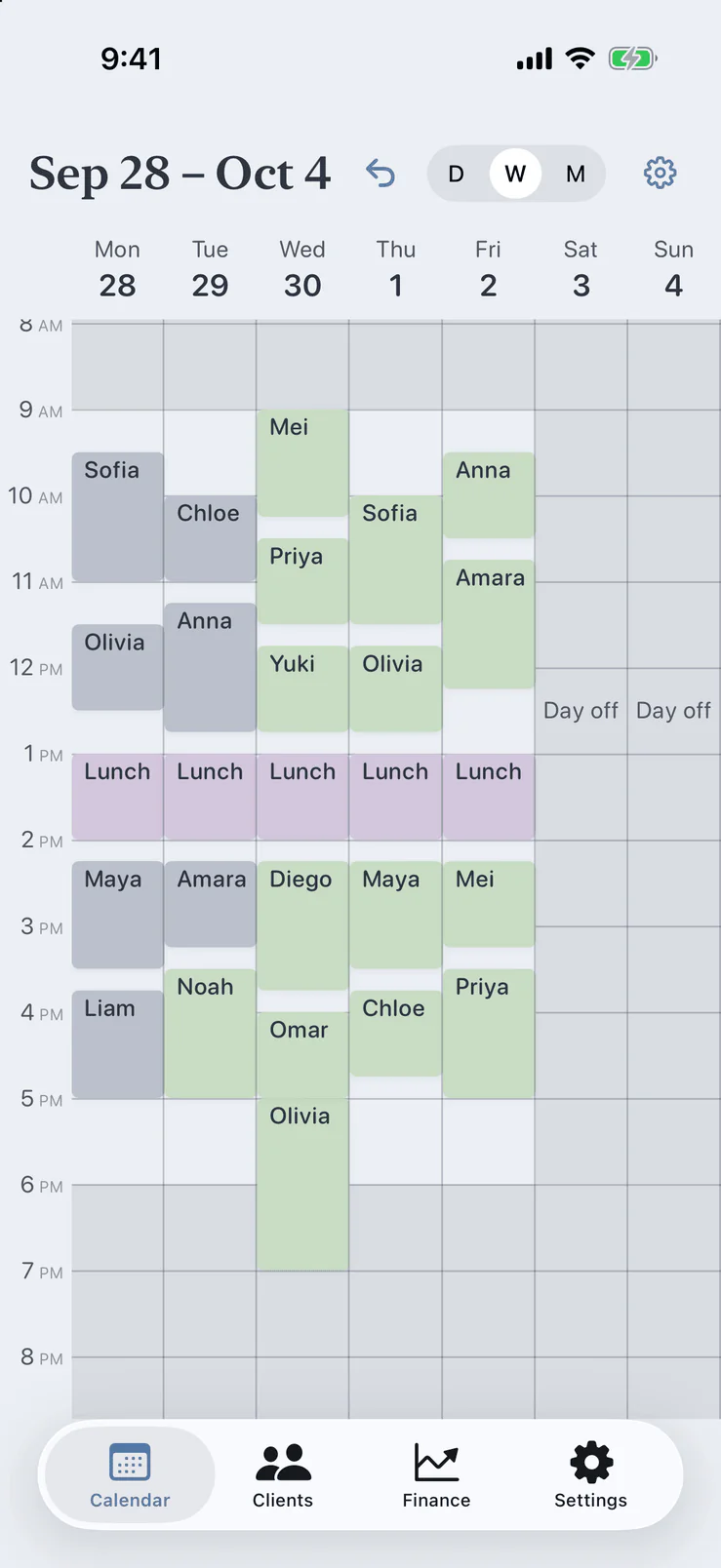
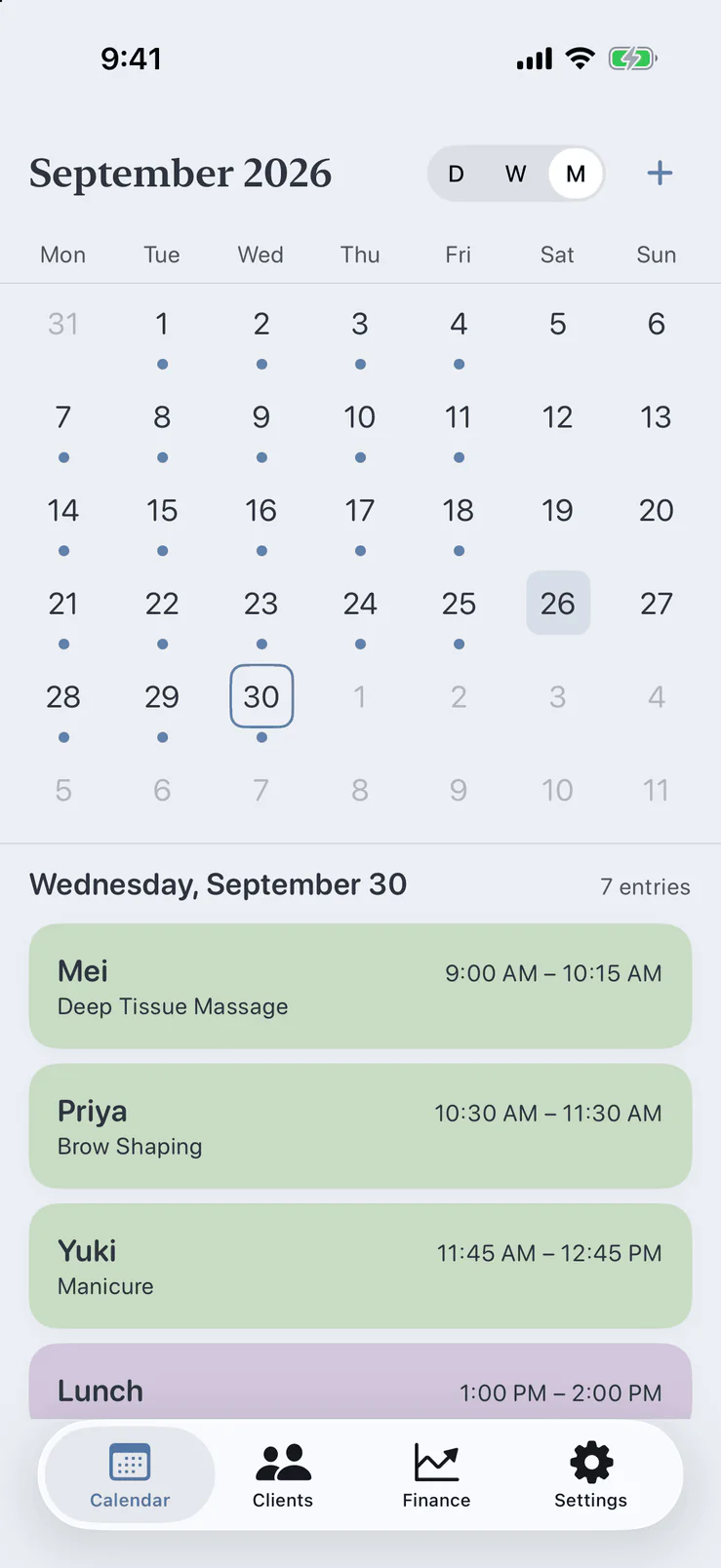
- A calendar of sessions in day, week and month views, inside the working hours you set for each weekday
- One-tap repeat of a session 1 to 12 weeks ahead for regular clients
- Session types as services with their own duration and price — for example, an individual session and a couples session
- Personal events on the same calendar: supervision, training, a break between sessions
- A status for every session: booked, completed, pending payment, cancelled or no-show
- What each client has paid and what is still owed, shown in the client profile
Where the data lives
- The database is stored on your iPhone or iPad; the app has no account and no server of ours
- We do not collect analytics and cannot see your clients or notes
- The only network use is App Store purchases and, if you turn them on with PRO, sync and backup through your own iCloud account
- PRO sync keeps the data in the private database of your iCloud account, in encrypted fields
- On the device the data is protected by iOS Data Protection, which depends on your device passcode
Notes: what to expect
Each client has one note, and each session can have its own note. Both are plain text of up to 1,000 characters. They suit short working remarks — what to prepare, what was agreed. They are not designed for full session records: there is no search across notes, no templates and no attachments.
What it is not
Please read this before relying on the app in a regulated profession:
- Not a clinical or medical records system, and not certified under any health-data standard
- No lock of its own: the app has no passcode or Face ID screen and relies on your device lock
- Notes are not encrypted separately by the app; they are covered by the device's own encryption
- No intake or consent forms, and no documents to sign
- No video sessions
- No invoices, receipts or PDF export
- No session packages or prepaid balances
- No automatically recurring series: a repeat creates one next session at a time
You remain responsible for meeting the confidentiality and record-keeping rules of your profession and country.
Reminders
The app never contacts a client by itself. Before a session it shows you a local notification and prepares a short message with the time; you open SMS, WhatsApp, Telegram, Viber or Instagram with one tap and send it from your own account. You can edit the wording of the template in Settings.
What it costs
The calendar, clients, services, tags and one reminder per appointment are free with no time limit. PRO costs $4.99 per month with a 14-day free introductory period, $29.99 per year, or $79.99 once for PRO Lifetime; all three unlock the same features. Prices are in USD, and the App Store charges the equivalent for your region.
Common questions
- Can I keep clinical notes in it?
- It is not meant for that. Notes are short plain-text fields of up to 1,000 characters, without separate encryption, search or attachments. Use the app for scheduling and payments, and keep clinical records in a system built for them.
- Is the app protected with Face ID or a passcode?
- No, it has no lock of its own. Anyone who can unlock your device can open the app, so protect the device with a passcode.
- Can I set a weekly session that repeats automatically?
- Not automatically. After a session you can repeat it in one tap 1 to 12 weeks ahead, which creates one new session; there are no endless recurring series.
- Do clients see anything or need to install something?
- No. There is no client app and no booking page. Clients only receive the messages you choose to send from your own messenger.
- Can I use it on both iPhone and iPad?
- Yes. The app runs on both. With PRO sync turned on, sessions, clients and notes stay the same on your devices through your own iCloud account.
A private diary for your practice
Sessions and clients are free on iPhone and iPad, with no account.